
dot CMS

Universal Visual Editor

Quickly build pages without relying on developers

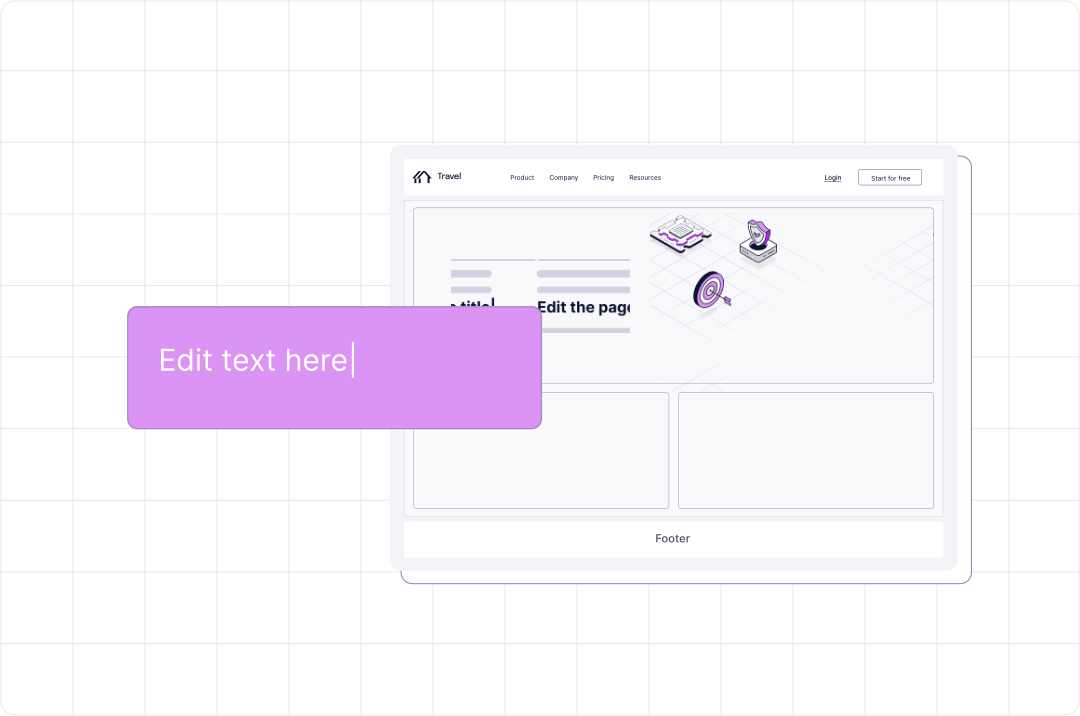
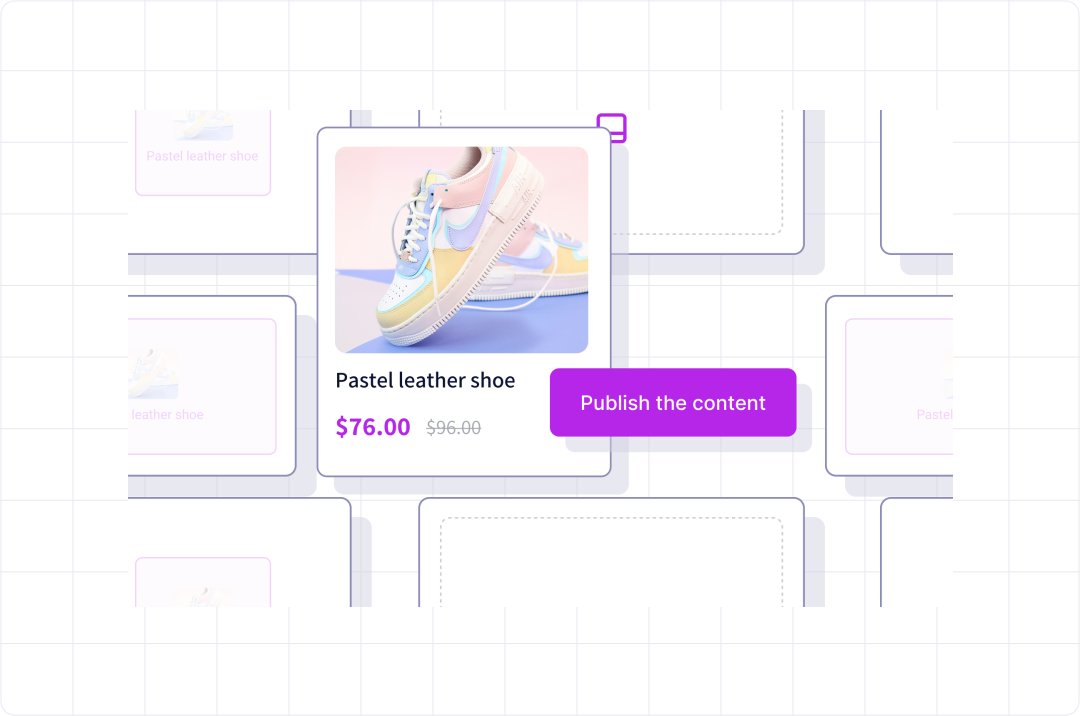
Give marketers control without adding to the developer backlog. dotCMS's drag-and-drop Universal Visual Editor lets teams create, edit, and manage pages themselves, whether content is delivered traditionally or headlessly.


The result: faster launches and more output from lean marketing teams, without adding headcount.

image

See UVE in Action

demo.dotcms.com
Demo preview

How It Works

dotCMS pairs NoCode capabilities for marketers with an API-first infrastructure for developers. Every capability below removes a step that used to require a developer, so your team ships more on the same headcount.

Learn more about Visual Editing in a dotCMS

  • What We Heard at Becker’s: Patients Can’t Choose a Health System They Can’t Find
    9 Oct 26

    What We Heard at Becker’s: Patients Can’t Choose a Health System They Can’t Find

    What happens when patients can’t find the right provider, location, or service online? At Becker’s, we heard firsthand how healthcare leaders are thinking about discoverability, accessibility, governance, and AI — and what it takes to build digital experiences patients can trust.

  • dotCMS Product Roadmap Update: 2026 is for Humans and Agents
    30 Sep 26

    dotCMS Product Roadmap Update: 2026 is for Humans and Agents

    An end-of-Q3 update on the 2026 roadmap: what shipped, what lands as the quarter closes, what is coming in Q4 and beyond!

  • Governed and Secure: Flexible CMS Deployment Strategies for Regulated Industries
    29 Sep 26

    Governed and Secure: Flexible CMS Deployment Strategies for Regulated Industries

    In regulated industries the deployment model is set by a control requirement, not an IT preference. Explore how cloud, cloud anywhere, and self-hosting deployment options are leveraged to meet governance and control requirements.

  • Get Content to Market Faster with Our New UX!
    21 Sep 26

    Get Content to Market Faster with Our New UX!

    A streamlined and intuitive user experience inside the CMS is just as important today as it was before the age of AI agents!

  • Content Modeling Best Practices: How to Structure Content for Reuse Across Pages, Sites, and AI
    19 Aug 26

    Content Modeling Best Practices: How to Structure Content for Reuse Across Pages, Sites, and AI

    Learn content modeling best practices to structure entity-centric, reusable content for pages, multi-site and multi-channel delivery, and AI search.

FAQ: Universal Visual Editor

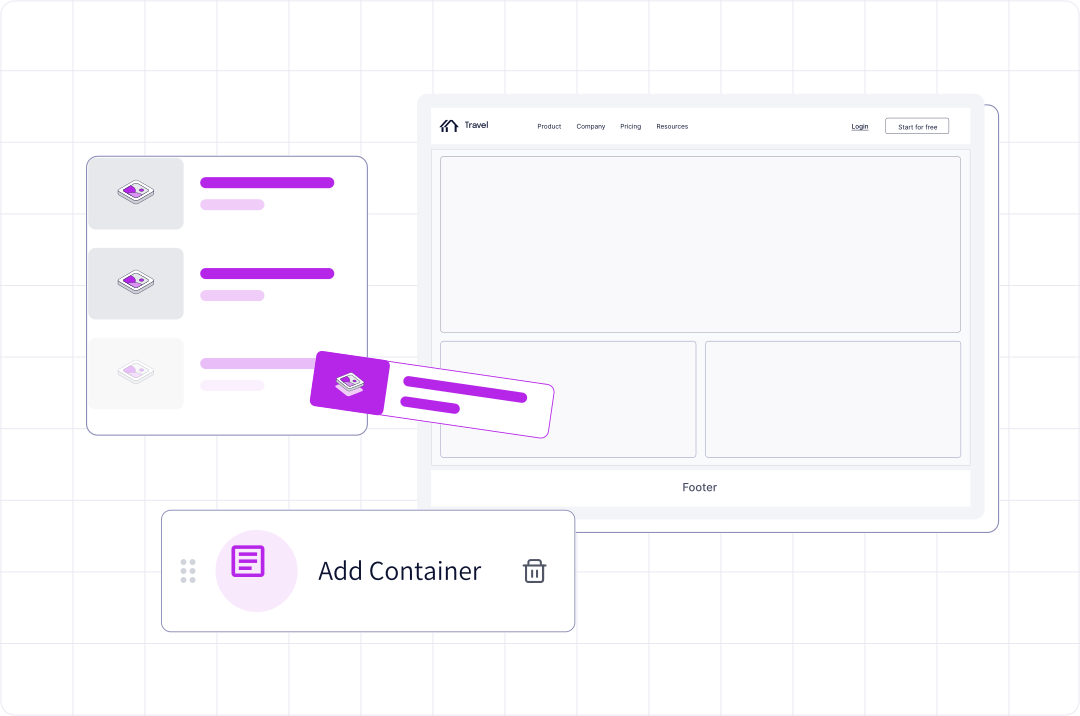
Yes. In the dotCMS Universal Visual Editor, marketers add, arrange, and edit page content themselves. They drag content from the Content Palette onto the page, reorder rows and columns in the Layers panel, and update common fields in the Quick Edit panel. What can go where is set by the page's containers and content types, which your team sets up in advance.

Yes. The dotCMS Universal Visual Editor gives marketers the same editing tools on a remote site or app as on a page dotCMS renders itself. Headless front ends connect through the dotCMS SDK, which has rendering libraries for React and Angular. Developers on other frameworks can build their own on the @dotcms/uve library. One dotCMS instance can serve different front ends for different URL path patterns.

Yes, when the page's approval workflow requires it. In the dotCMS Universal Visual Editor, the Workflow button shows only the workflow actions that apply, based on the workflow assigned to the page's content type, the step the page is at, and your permissions. An author whose role can't publish won't be offered a publish action

Yes, the Universal Visual Editor's Page Health panel includes a GEO scanner that scores a page from 0 to 100 on how ready it is to be discovered, cited, and surfaced by AI answer engines such as Perplexity, ChatGPT, and Gemini, as well as traditional search. The score comes from 20 signal checks across citability, structured knowledge, content authority, and discoverability. An accessibility scanner audits the rendered page against WCAG 2.1 AA. Self-hosted dotCMS instances get the panel's links to third-party tools instead of the built-in scanners.

Yes. Preview mode in the dotCMS Universal Visual Editor shows the draft page on desktop, tablet, and mobile, in horizontal or vertical orientation. The editor also switches between the page's language versions and persona versions, and previews how the page looks in social media links and search results.

Yes. In the dotCMS Universal Visual Editor, the Future Time Machine lets you pick a date and view the version of the page scheduled for it. It works for content types that have a publish date field configured.

Yes, within the options your team defines. The dotCMS Content Style Editor lets authors choose style properties for individual pieces of content directly in the Universal Visual Editor, on both traditional and headless pages. The available styles are set per content type, and once that is configured, restyling needs no code.

Yes. The dotCMS Universal Visual Editor toolbar includes the page's rules, which drive personalization, and its experiments for A/B testing, so both are set up where the page is built. Experiments are off by default and are turned on through the Analytics App with dotCMS Customer Success.

Explore dotCMS for your organization

image

dotCMS Named a Major Player

In the IDC MarketScape: Worldwide AI-Enabled Headless CMS 2025 Vendor Assessment

image

Explore an interactive tour

See how dotCMS empowers technical and content teams at compliance-led organizations.

image

Built for Compliance. Certified for AI.

dotCMS is ISO 27001 and ISO 42001 certified, pairing independently verified information security with governed, accountable AI.